


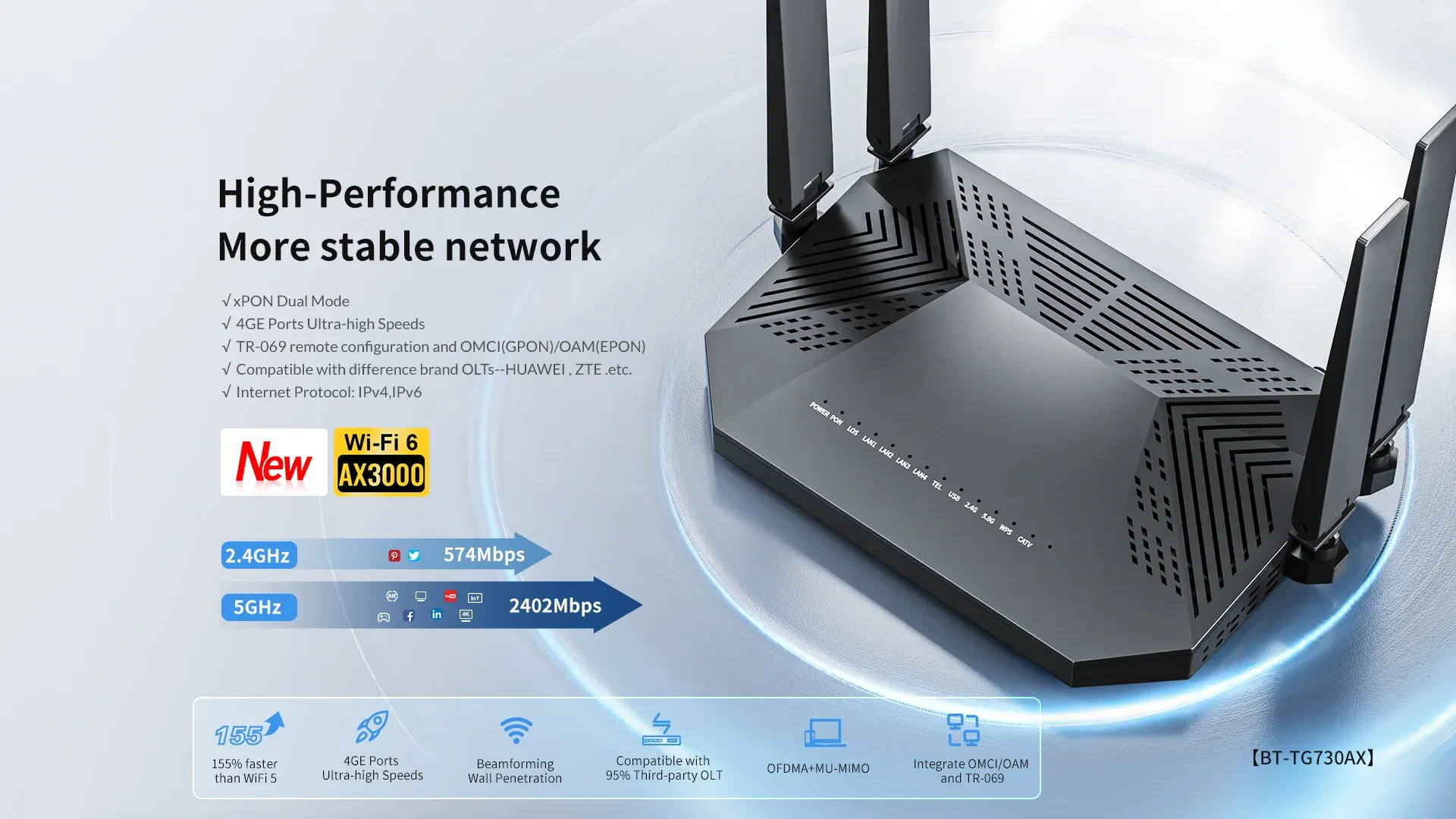

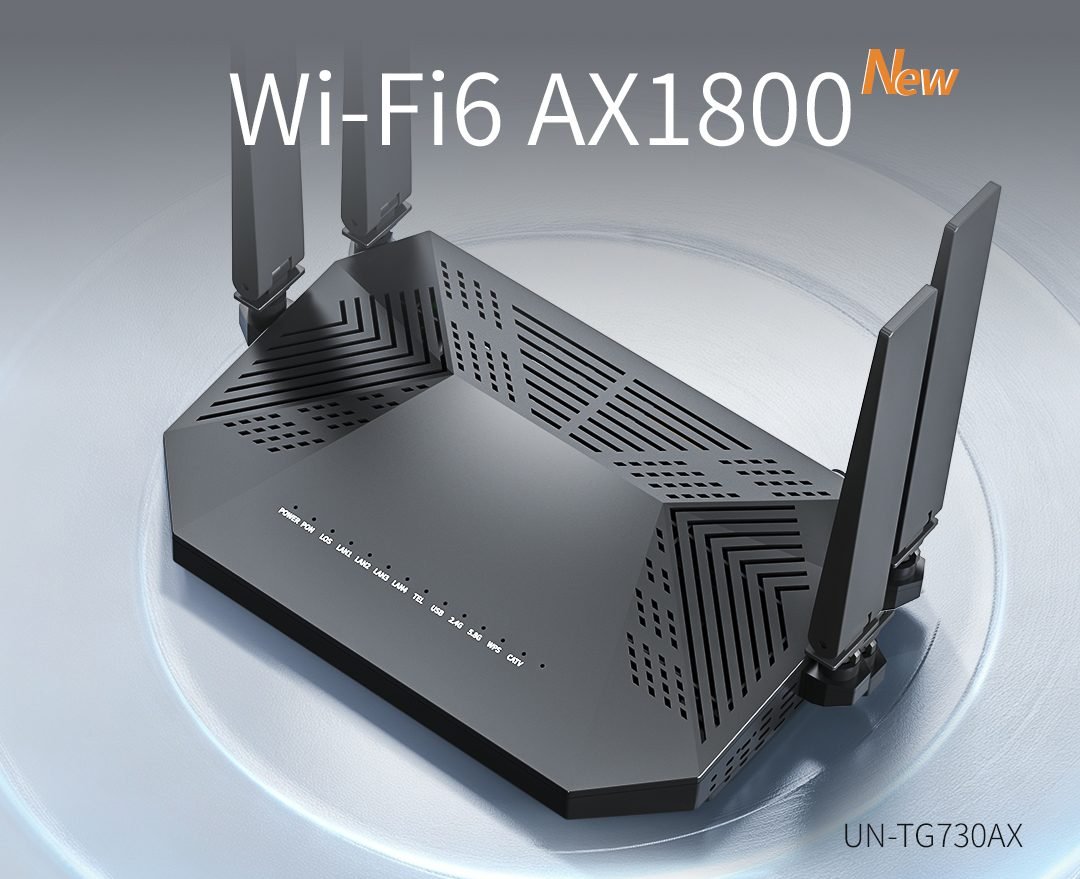
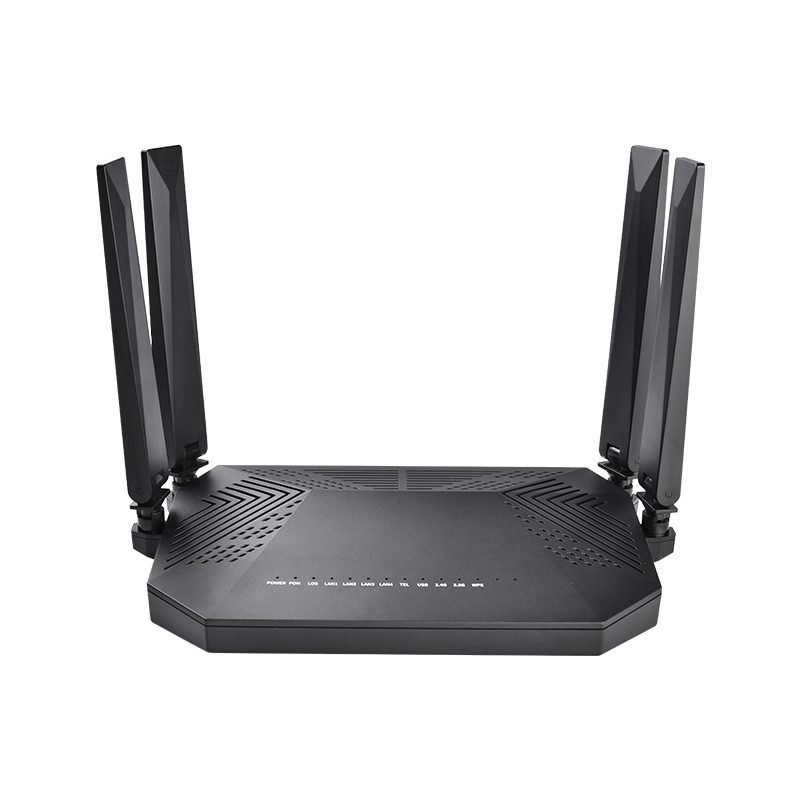
TG731AX XGPON ONU
XGPON ONU
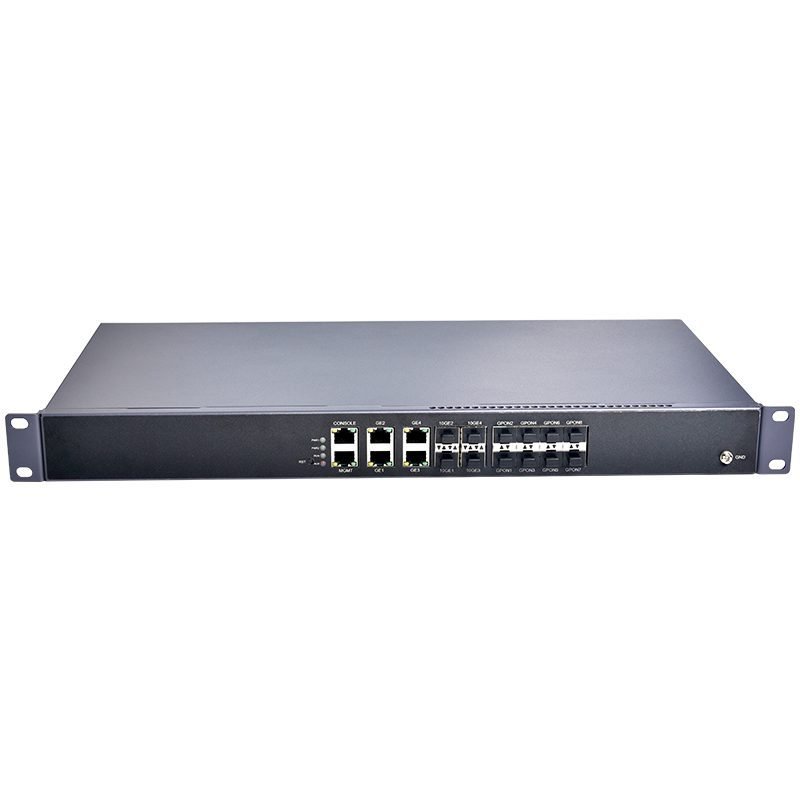
PH8108-D 8PON OLT
GPON OLT
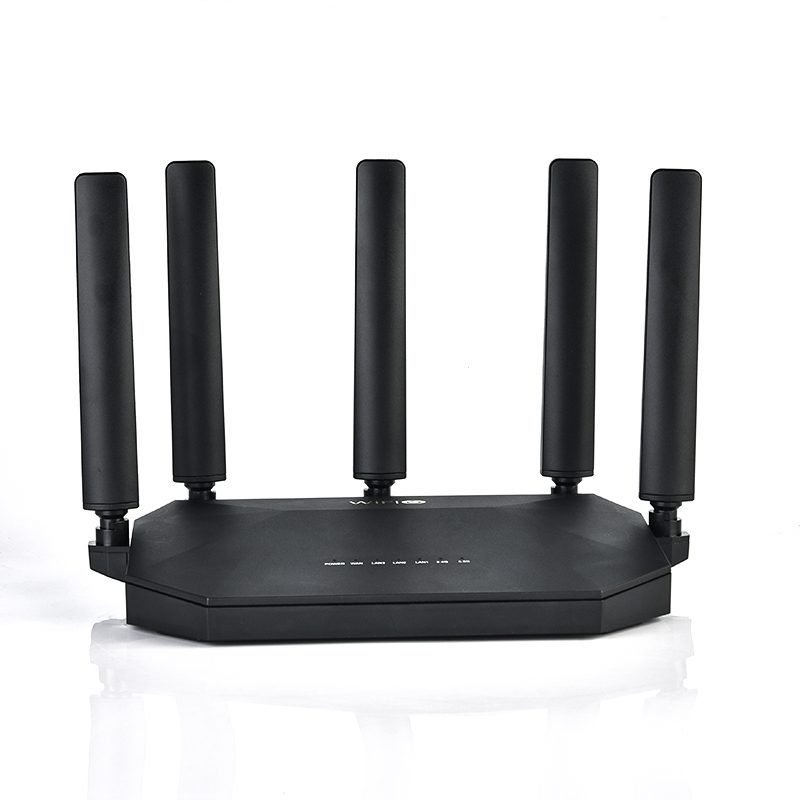
R350 Router
AX3000 Wi-Fi Router
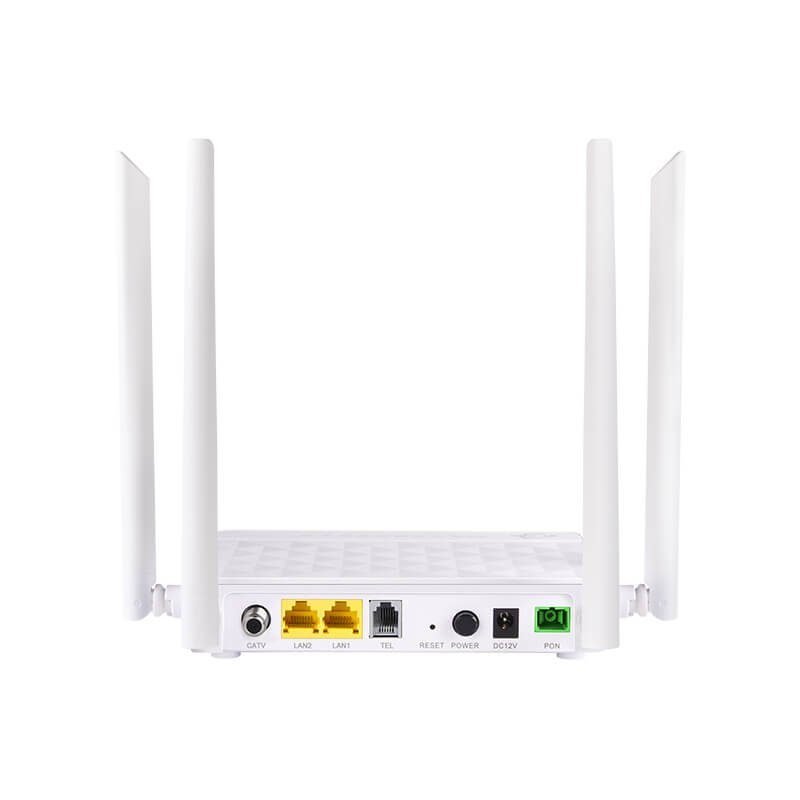
719XR Dual-Band ONU
WIFI5 AC1200 ONU
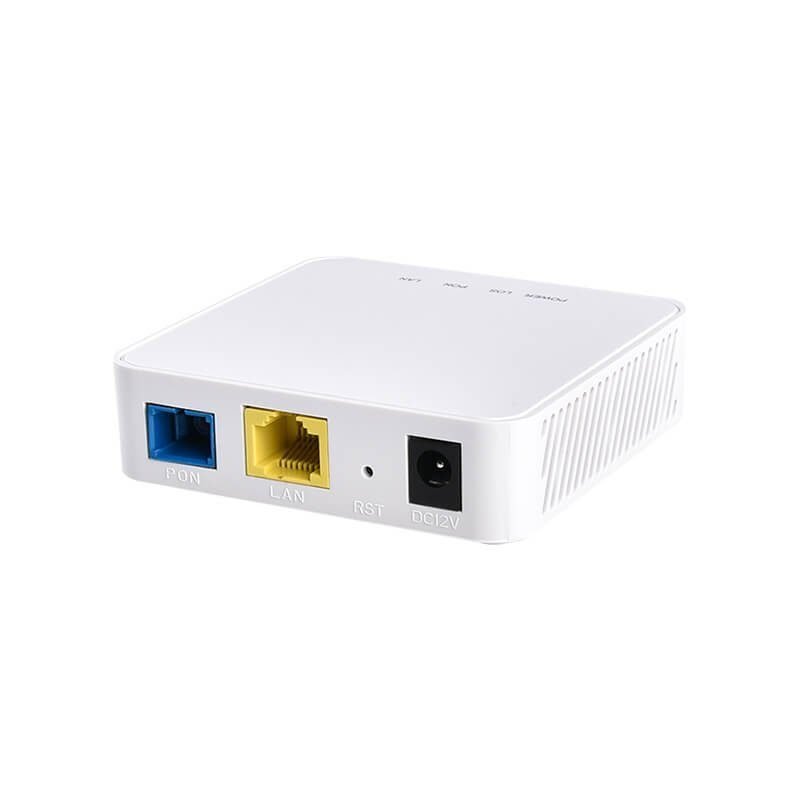
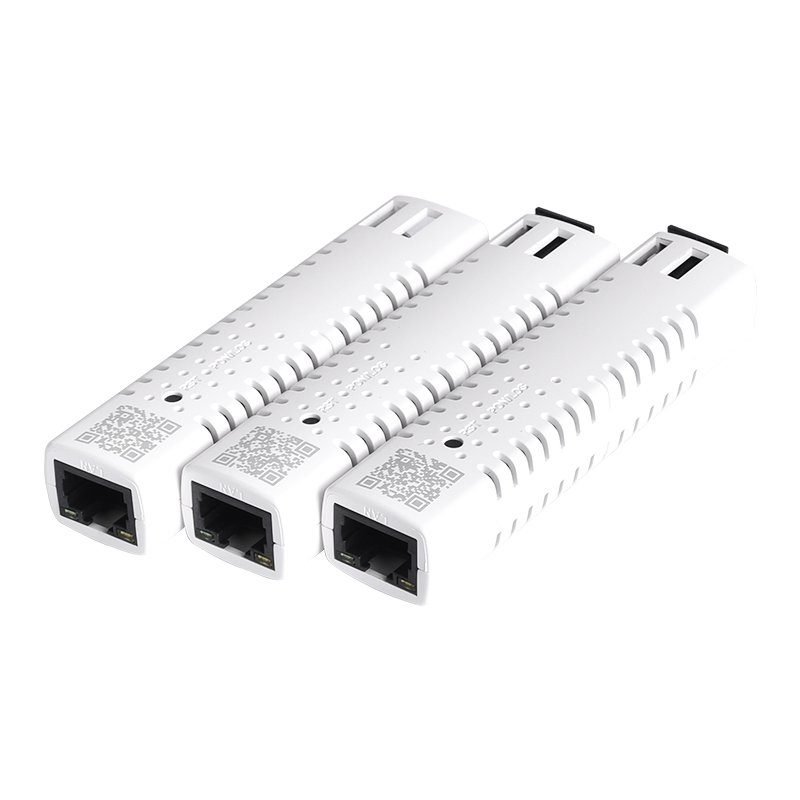
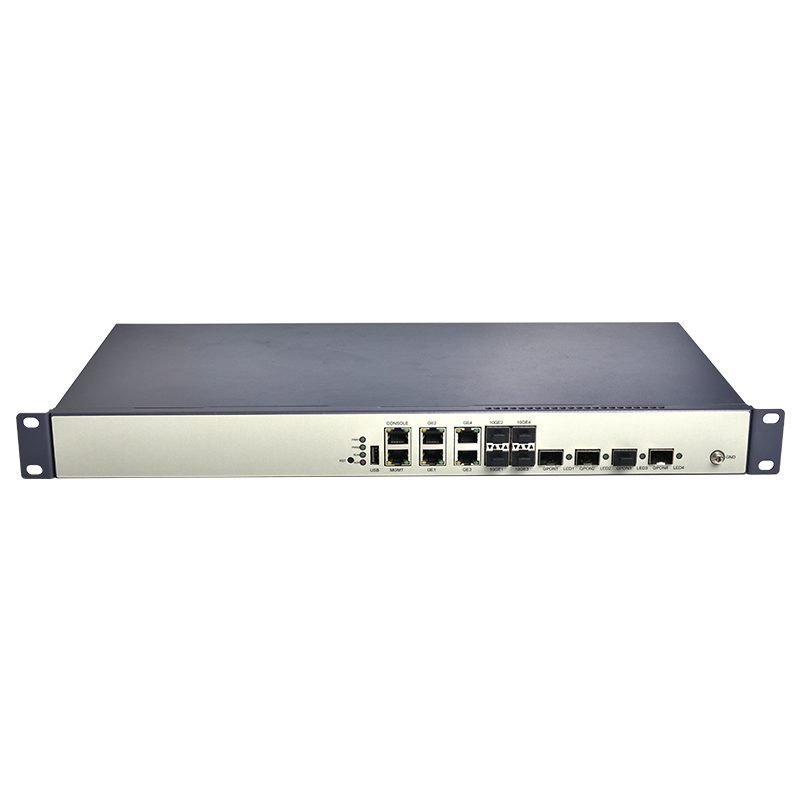
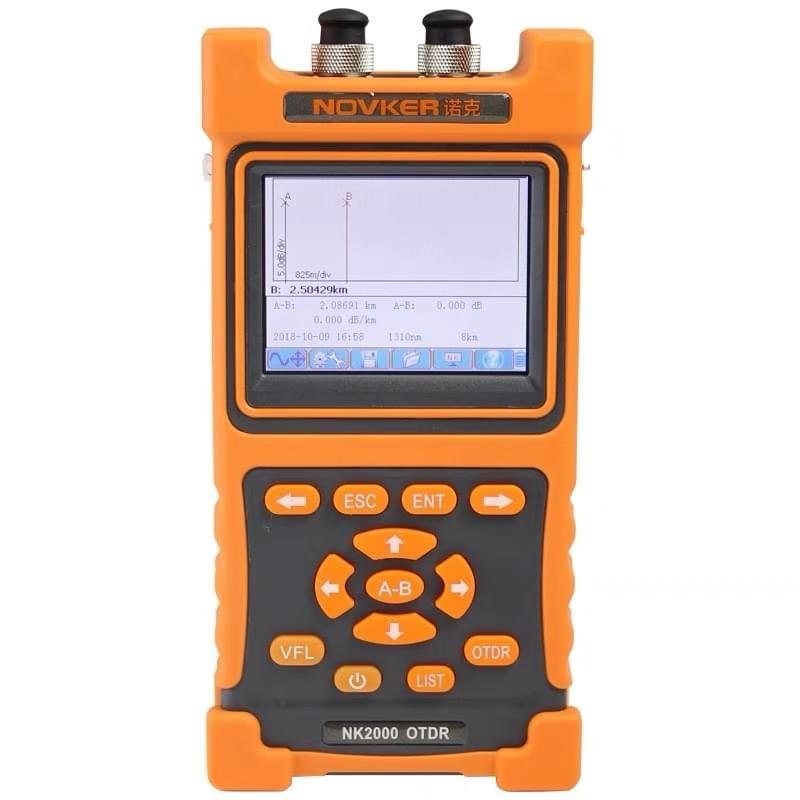













We’ve deployed over 3,000 UN-PON XPON ONUs across our residential fiber network in Brazil for 8 months. The devices register seamlessly with our existing OLT equipment, dual-band Wi-Fi signal coverage outperforms our previous supplier, and the failure rate is below 0.3%. The after-sales technical team provides customized firmware with local language support, bulk order delivery is always on schedule. UN-PON is our long-term stable fiber terminal partner, highly recommended for telecom operators worldwide.

As a wholesale distributor covering Spain and Portugal, UN-PON GPON/EPON routers bring huge profit margins for my store. Complete product series from 1GE to 4GE+CATV models meet all client demands. Sample testing passed EU CE certification, packaging is shockproof for sea freight, sales rep replies all inquiries within 2 hours. Our repeat order volume increased 40% after cooperating with UN-PON, perfect wholesale supply brand.
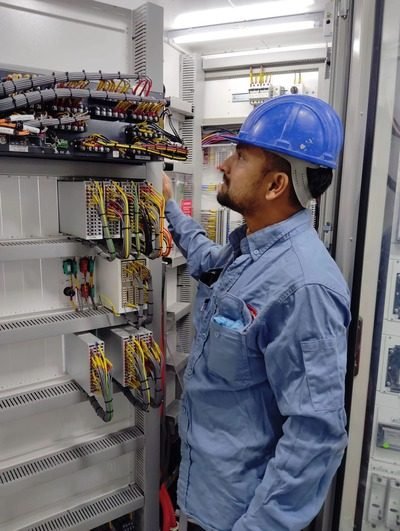
I install fiber devices for residential & small business clients every day. UN-PON ONTs are user-friendly with clear indicator lights, quick OLT activation without complicated debugging. Heat dissipation design solves overheating issues during long-time operation, VoIP & IPTV ports work stably without packet loss. Carry UN-PON to every construction site, it cuts my installation time by half.

Our 60-room resort switched all old ISP ONTs to UN-PON WiFi routers 6 months ago. Guests no longer complain about slow network or disconnection during video calls & streaming. Built-in high-power antenna covers every guest room, stable 24h non-stop running without frequent reboot. Affordable price vs premium performance, ideal network solution for hospitality industry.

We take fiber network projects for industrial parks and campus communities. UN-PON supports XPON auto-adaptation, compatible with all mainstream OLT brands, supports remote management for batch device maintenance. Custom logo & outer shell OEM service is available with low MOQ, technical documents including wiring diagrams are complete. Finished 3 large campus projects relying on UN-PON products.

I sell fiber ONUs on my US online store, UN-PON is my top-selling product line. English default firmware fits North American ISPs perfectly, detailed operation manuals reduce customer after-sales tickets. Small mixed batch order acceptable, drop-shipping service supported, product quality consistent every shipment. Customer positive review rate reaches 98%, will keep long cooperation.

We provide fiber internet for remote rural towns in Australia with unstable power supply. UN-PON routers have wide voltage adaptation, resist voltage fluctuation without sudden offline. Strong WiFi signal penetrates wooden rural houses, low power consumption saves operation cost. The brand’s after-sales team patiently solved our OLT matching problems at the beginning of cooperation.

Our company renovated office fiber network and purchased UN-PON dual-band ONTs for 20 workstations. Multiple devices simultaneous access won’t cause bandwidth congestion, video conference and cloud file upload stay smooth all day. Compact size saves cabinet space, plug-and-play design without complex IT configuration, cost much less than big international brands.

I deploy fiber network for commercial building CCTV monitoring systems. UN-PON ONU with CATV port can transmit surveillance video without delay, long-term 24/7 running no signal drop. Stable optical receiving sensitivity adapts long-distance fiber wiring of monitoring projects. All devices pass aging test before delivery, zero failure rate in my 2 building monitoring projects.

My trading firm sources various communication devices from China, UN-PON stands out among dozens of suppliers. Clear quotation sheet, transparent production progress tracking, strict pre-shipment inspection to avoid defective goods. Flexible payment terms for medium orders, technical support available during customs clearance & local testing. Reliable Chinese manufacturer worth recommending to all trade partners.